


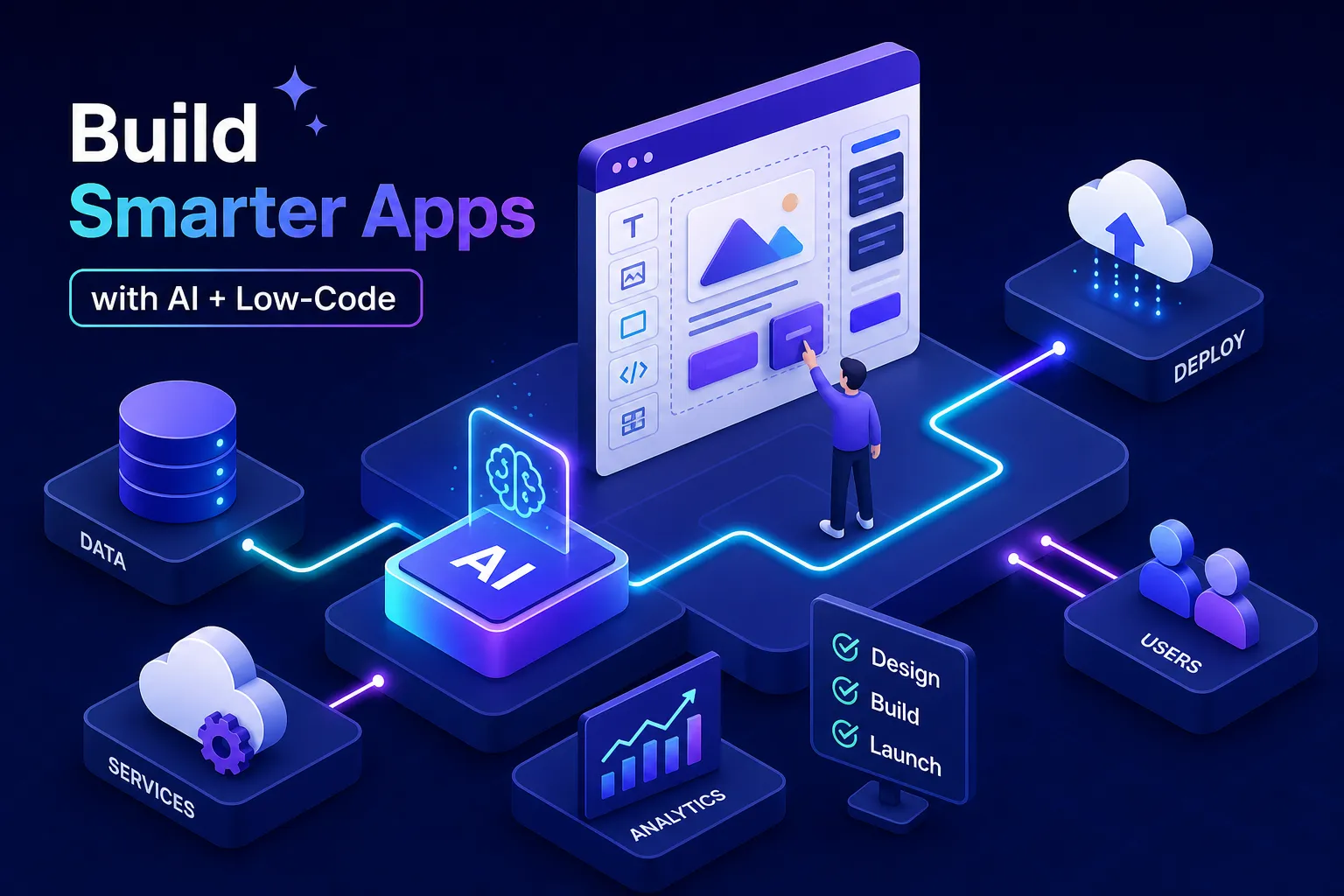

You have a business app idea. Maybe it’s a client portal, an internal inventory tracker, or a customer onboarding flow. The problem isn’t the idea. It’s the gap between concept and working software. Bespoke development often costs thousands to tens of thousands of dollars and can take weeks to months, and most business owners can’t close that gap alone.
That gap has narrowed significantly in 2026. If you’re figuring out how to build apps with AI low-code tools, the path has never been more accessible. Modern platforms let non-technical builders go from a text prompt to a deployed, data-connected app in days rather than months. Many AI builders can generate full-stack starting points with little or no manual coding for initial prototypes, though additional configuration, testing, or developer work may be needed for production builds or custom integrations.
This guide walks you through exactly how to build apps with AI low-code tools: which platform to pick for your specific use case, how to design a UI that looks professional, how to wire in AI features, and a clear 5-step roadmap from idea to launch. No developer required.
What AI Low-Code Tools Actually Do (and Why They Work Now)
The difference between no-code and low-code (it matters for your project)
Not all platforms are built for the same jobs. No-code platforms like Glide and Adalo use fully visual editors with zero scripting, which works well for straightforward apps like a spreadsheet-powered mobile catalog or a simple client feedback tool. Low-code platforms like Bubble, WeWeb, and Mendix allow optional scripting for more complex logic, which matters when you need multi-role workflows, conditional data routing, or enterprise integrations. For a practical overview of choosing an AI app builder as a non-technical founder, see Adalo’s guide to the best AI app builder for non-technical founders.
The distinction affects your ceiling, not just your starting point. A customer feedback app works fine in Glide; a multi-role internal operations tool needs something like Bubble or WeWeb. Choosing the wrong category at the start is the most common reason builders hit a wall halfway through a project.
How AI generation actually speeds up building
Modern LLM-powered app builders like Lovable and Base44 generate full-stack apps from a single text prompt, covering frontend, backend, and database schema in one pass. The AI parses your description, identifies the data entities and UI screens required, then writes production-ready TypeScript, React, and SQL without you touching a terminal. The speed gains are real: Mendix has documented cases where teams cut multi-week builds down to a matter of days. That’s the actual leverage AI-augmented low-code delivers. For a deeper take on the technical trade-offs between AI-generated code and low-code platforms, see SitePoint’s article on AI code generation vs. low-code.
What you realistically need to get started
The prerequisites are simpler than most people expect. You need a clear, specific use case, not “a business app” but “a tool that lets customers submit support tickets and see their status in real time”, plus a spreadsheet or sample dataset to connect. Many basic prototypes can be completed in a few hours, while more complex builds may take a few days. No design degree required. No developer background. The platform handles the technical scaffolding; your job is to know what the app needs to do.
How to Build Apps with AI Low-Code Tools: Choosing the Right Platform
The four criteria that actually separate platforms
Most people pick a platform based on brand recognition. That’s a mistake. Four criteria actually determine whether a platform fits your project:
- Deployment target: Adalo supports direct publishing to the Apple App Store and Google Play. Glide produces web and mobile web apps; native App Store or Play Store publishing via Glide typically requires a third-party wrapper, so verify current capabilities before assuming store support. Bubble also requires a third-party wrapper for native mobile. If you need a real app store listing, this filter eliminates most options immediately.
- Built-in AI components vs. API connections: Glide includes native AI blocks for chat and text summarization. Bubble and WeWeb connect to OpenAI or Anthropic via API, giving you more control at the cost of more setup time.
- Pricing model: Glide is freemium; WeWeb charges $20 per seat per month; Mendix runs $75 per app per month at its entry tier. Match the model to your expected user volume before you start building.
- Data control and compliance needs: For apps handling regulated data, Mendix (FedRAMP Authorized, HIPAA-validated) is the documented enterprise choice. WeWeb’s self-hosting option gives you direct data residency control, though its specific compliance certifications should be independently verified for your use case. Consumer-focused tools like Glide and Adalo are not built for regulated industries. For a buyer-focused overview of low-code deployment and hosting options, consult this low-code development platforms buyer’s guide.
A quick breakdown by builder type and use case
Here’s how the major platforms map to real scenarios:
- Glide: Mobile web apps built on Google Sheets or Airtable. Native AI blocks, direct spreadsheet sync, zero backend configuration.
- Adalo: Best for beginners who need native mobile publishing with a fully drag-and-drop interface.
- Bubble: Complex web apps with deep backend logic, relational databases, and custom workflows.
- Lovable / Base44: Solo founders who need a full-stack MVP fast. Both use LLM-driven workflows to produce working apps from a one-sentence prompt, generating TypeScript, React, and Supabase-backed prototypes in minutes for many simple MVPs. Production hardening and edge-case handling will still require additional work.
- Mendix / WeWeb: Enterprise teams with security requirements, private-cloud deployment, or compliance mandates.
Where to find a deeper platform comparison before you commit
Running a side-by-side comparison before committing saves you from a mid-project platform switch. Media Indonesia’s technology section at mediaindonesia.com/teknologi covers AI development platforms, pricing updates, and tool comparisons on an ongoing basis. Check platform documentation directly for the most current pricing tiers and deployment specifics, particularly for features that update frequently. For a broader roundup of no-code options, Zapier’s best no-code app builder guide is also useful. If you want a focused list of options, see our article on Best Low Code AI Platforms to Know in 2026 for more detail.
Designing Your App UI When Building Apps with AI Low-Code Tools
Template vs. blank canvas: which starting point works better for beginners
Start with a template. Adalo, Bubble, and Glide all offer industry-specific templates with pre-built screen layouts, component arrangements, and basic navigation. Pick the template closest to your use case, strip out what you don’t need, and build from that foundation. Starting from a blank canvas forces you to make dozens of layout decisions before you’ve seen a single piece of real data in the app, which wastes time and usually produces worse results. For a curated list of no-code tools and templates, see our coverage of the Best No Code AI Tools for 2026.
The core UI elements every business app actually needs
Many business apps benefit from five common screens: a login and authentication screen, a data list view, a detail view, a form for data input, and a summary dashboard. Map these screens on paper before you touch the canvas, then tailor the structure to your specific use case. Platforms like Adalo use a multi-screen visual canvas where you connect screens with navigation arrows, so having your structure planned in advance keeps the build process clean and prevents wiring screens together in the wrong order.
Making your layout mobile-responsive without extra configuration
Most modern platforms handle responsive design automatically, but two settings consistently trip up beginners: container padding and image scaling. Set these explicitly rather than leaving them at platform defaults. If your primary audience is on mobile, Glide and Adalo handle responsive behavior out of the box with less configuration than Bubble, which requires deliberate responsive setup for mobile views to render correctly.
Adding AI Features and Connecting Your Data
Platforms with built-in AI components vs. API integrations
Glide includes native AI blocks for chat responses and text summarization, configured entirely in the visual editor. Bubble and WeWeb route requests to OpenAI, Anthropic, or Google Vertex AI via API connectors, giving you full model control at the cost of more setup. Built-in AI blocks are faster to configure and easier to maintain; API integrations give you full control over models and prompts. A customer support app that auto-summarizes incoming tickets is a concrete case where Glide’s built-in summarization block works immediately with no additional configuration.
Connecting your app to external data sources
Most business apps should connect to data you already have rather than starting with a blank database. Glide syncs directly with Google Sheets and Airtable as native data sources. Authenticate with your API key, select your base, and Glide maps the fields to your UI components automatically. WeWeb connects to REST APIs for external data and includes its own native backend. The process is consistent across platforms: authenticate the source, map fields to your UI components, and set a refresh interval. Confirm data flows correctly through one screen before adding more sources.
Testing your AI logic before users touch it
Test every AI output before deployment. Prompt validation confirms the model returns what you expect across different input variations and catches problems that look fine in a demo but break under real use. Run edge case inputs: empty fields, unusually long text, unexpected characters. One real advantage of no-code machine learning tools and visual environments is minimal risk of manual coding errors in the surrounding app logic. The AI layer still needs human review. Outputs that look plausible but are factually wrong are a real risk, and users will blame the product, not the model.
Your 5-Step Plan to Prototype, Test, and Launch
Steps 1 and 2: Define Your Scope and Build Your First Screen
Step 1: Write a one-sentence app description. This becomes your AI generation prompt and your scope guardrail. “A tool that lets field technicians log equipment inspections and flag issues for the operations team” is a usable prompt. “A business app” is not. Lovable and Base44 can generate a full-stack starting point from that specific description in minutes, including frontend screens, backend logic, and a database schema.
Step 2: Build your first screen and connect your data source immediately. Don’t design the complete app flow before you see real data moving through one screen. Connecting your data in step two surfaces field mapping issues, loading performance problems, and layout inconsistencies while they’re still easy to fix.
Steps 3 and 4: Add AI Features and Run a Pilot Test
Step 3: Add one AI feature, not five. The most common mistake is stacking AI blocks before the core app works. One well-tested AI component, a summarizer, a classifier, or a response generator, adds real value and stays manageable. Multiple untested AI features create debugging problems that are difficult to isolate and harder to explain to users.
Step 4: Share the prototype with three to five real users, not colleagues. Real users interact with an app differently than the person who built it. Collect feedback on friction points: where do they slow down, what do they click by mistake, what do they expect that doesn’t happen? Most production-ready timelines run 30 to 60 days from this feedback stage to full deployment.
Step 5: Deploy, Publish, and Monitor
Deployment options depend on your platform. Bubble, Lovable, Base44, and Momen support web publishing with a custom domain. Adalo supports direct publishing to the App Store and Google Play; Glide supports mobile web deployment and can be wrapped by third-party tools for app store distribution. WeWeb exports clean Vue code for self-hosted deployments. Set up basic analytics before your first real user touches the app. Track session counts, error logs, and feature usage data from day one. You need a baseline to measure improvement against once the app is live.
Limitations and Security Concerns to Plan Around
Scalability ceilings you’ll hit as your user base grows
Vendor lock-in is the most significant long-term risk. Once you’ve built on a proprietary platform, migrating means rebuilding significant portions of your app from scratch. Resource contention on shared cloud infrastructure can also affect performance at scale, particularly on consumer-focused platforms like Glide and Adalo. That remaining 20% of development complexity covers custom domain logic, specialized algorithms, and deep enterprise system integrations, all of which still require developer time. For apps expected to reach enterprise-level user volumes, Mendix (with Kubernetes and private-cloud deployment) and WeWeb (with self-hosting and clean Vue code export) provide considerably more headroom.
Data privacy, compliance, and the shared responsibility model
Every platform operates on a shared responsibility model: the provider secures the infrastructure; you secure everything inside it. Your app’s data handling, user authentication, and API key management are your responsibility regardless of platform. For apps handling sensitive data, prioritize platforms with role-based access controls, encryption at rest, and verified compliance certifications. Mendix is FedRAMP Authorized and independently HIPAA-validated, making it the documented choice for regulated industries. WeWeb’s self-hosting option gives you direct data residency control for healthcare or financial use cases, though its specific regulatory certifications should be verified independently.
When low-code hits its ceiling and you need a developer
Low-code handles roughly 80% of standard development faster than traditional approaches. Know the boundary before you start. If your app needs real-time bidding logic, custom ML model inference, or deep ERP integration, plan for developer involvement on those specific components rather than expecting the platform to cover everything end to end. AI app builders without coding can take you a long way, but the final stretch on complex builds still benefits from a human specialist.
Start with One Screen, Not the Whole App
Learning how to build apps with AI low-code tools in 2026 is genuinely accessible to non-technical founders, operations managers, and product owners. Success comes from choosing the platform that matches your specific use case and deployment target, not the one with the loudest marketing presence.
Write a one-sentence app description, build one working screen with live data connected, add one tested AI feature, run a pilot with real users, then deploy with analytics in place. Start there and expand from that working foundation rather than trying to design the complete app before you’ve validated the first screen.
Platforms with built-in AI generation such as Lovable, Base44, and Momen are worth tracking for updates as they continue to close the gap between prototype and production-ready. For ongoing coverage of new platforms, pricing changes, and AI development strategy, Media Indonesia’s technology section follows this space regularly, see our roundup of Best AI App Builders in 2026: Build Apps Without Coding for curated recommendations. Pick one platform from this guide, write your one-sentence app description, and build your first screen today.

