


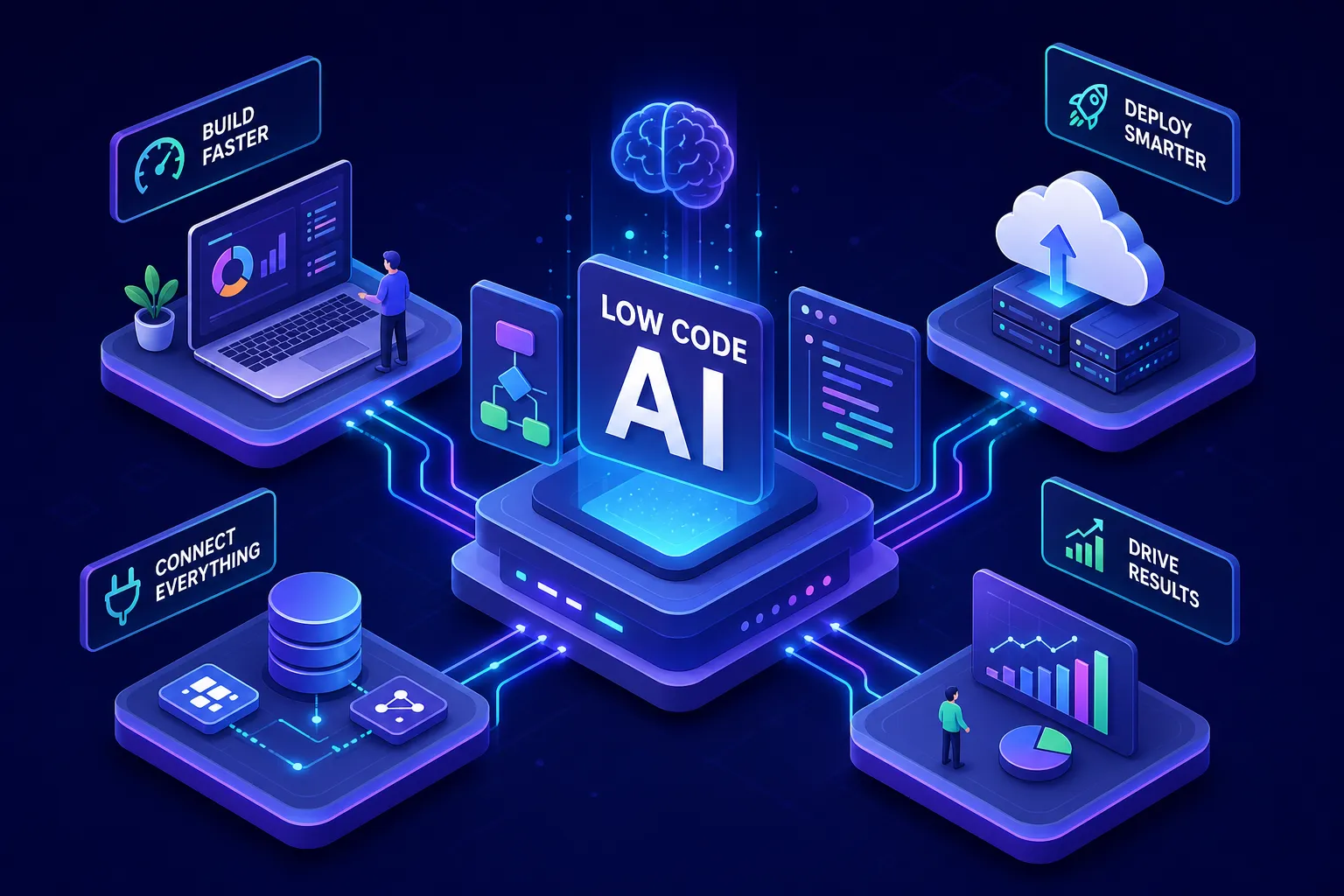

IT backlogs often stretch multiple months at organizations of every size. Business teams can’t wait that long for a working application. That gap is exactly what low-code AI platforms are designed to close: software environments where AI assists or automates large portions of app development, so that non-developers and lean engineering teams can ship functional tools in days instead of quarters.
In 2026, the category has matured in measurable ways, more vendors now ship agentic capabilities, pricing structures have diversified, and integration depth has expanded significantly across both SMB and enterprise tiers. You’re no longer choosing between a drag-and-drop form builder and a full-stack development framework. Genuine AI-native platforms now sit in the market alongside legacy low-code tools that bolted AI on as an afterthought, and the difference in practical capability is substantial. This article covers what these platforms actually are, how the AI layer works, which vendors lead the market right now, and the specific criteria and steps to use when narrowing your options down to a shortlist that fits your security posture, integration stack, and budget.
What low-code AI platforms are and how they actually work
The core idea behind low-code development
Traditional software development requires writing code line by line. Low-code platforms replace much of that with visual drag-and-drop interfaces, prebuilt logic modules, and reusable templates. The goal has always been to shrink the gap between a business need and a deployed application. In 2026, AI-powered low-code platforms have pushed that further, AI now handles not just interface assembly but also data modeling, workflow logic, and even application testing.
How the AI layer integrates with the development environment
AI is woven into modern platforms at multiple levels: code generation from natural language prompts, automated form and workflow suggestions, intelligent data mapping between systems, and in more advanced platforms, agentic AI that operates the application autonomously after deployment. The key distinction to understand is between build-time AI (which assists during development) and run-time AI agents (which continue operating within the deployed app). This distinction separates genuinely transformative platforms from those that just auto-generate boilerplate. A platform with only build-time AI speeds up development. A platform with run-time agents changes what your application can do on its own after you’ve shipped it.
Many vendor stacks also include model training and fine-tuning as a supported capability; for teams building custom models or fine-tuning LLMs, services for training models such as Amazon SageMaker are commonly integrated into the toolchain to manage datasets, experiments, and deployment artifacts.
What separates genuinely AI-native platforms from basic builders
Native AI vs. bolt-on features
Some platforms were built as low-code tools first and added AI modules later as integrations or add-ons. Others were architected from day one with AI at the core. The practical difference shows up in how well the AI understands your data model, enforces your existing security policies, and adapts to your business logic without manual configuration at every step. Superblocks, for example, generates apps that are designed to inherit enterprise permissions and governance rules, security is treated as a core architectural concern, not an afterthought layered on top. (Verify specific security architecture claims against current Superblocks documentation before committing.)
Architecturally, native platforms embed the LLM into the orchestration engine itself, driving decision-making throughout the app lifecycle. Bolt-on platforms treat the LLM as a discrete service that processes data within a pre-defined, linear path. The user experience difference is significant: native platforms use natural-language configuration where you describe the outcome and the platform proposes the flow. Bolt-on platforms still require you to manually connect logic blocks, with AI available as a specific step inside that flow. For a wider strategic perspective on AI-native low-code approaches, see AI-Augmented Low-Code: The Enterprise Software Strategy for 2026.
Agentic AI as the 2026 benchmark
The highest tier of capability right now is agentic AI: autonomous agents that build apps and keep operating them after deployment, updating data, monitoring workflows, and triggering responses without waiting for human input. Vybe represents this leading edge, deploying agents that generate apps via natural language and continue running autonomously post-launch. For enterprise buyers, the question is no longer “does this platform have AI?” but “how capable and trustworthy are its AI agents at runtime?” Platforms that can answer that question with documented governance controls and compliance certifications, such as SOC 2 reports, FedRAMP authorization, or HIPAA Business Associate Agreements, are the ones worth shortlisting.
The low-code AI platforms leading the market in 2026
Enterprise-grade contenders worth evaluating
Four enterprise low-code platforms with AI stand out as the most capable options for large organizations. Mendix uses AI-assisted modeling and agentic AI to enable cross-functional teams to design and maintain complex apps at scale, with GenAI tools bundled into premium tiers starting around $900 to $1,090 per month for a single app. OutSystems provides an Agent Workbench for developing and orchestrating AI agents in mission-critical systems, with a minimum contract around $36,300 per year. Appian combines AI process automation with intelligent document processing under a unified data fabric, with quote-based pricing that reflects custom deployment configurations. Microsoft Power Apps integrates AI Builder across 700-plus connectors spanning Microsoft 365, Azure, and Dynamics, with base licensing at $20 to $50 per user per month and AI Builder sold separately as usage-based credits.
These platforms carry the highest implementation effort, but they also offer the deepest governance controls, compliance documentation, and enterprise support structures. If your organization operates in a regulated industry, healthcare, financial services, or government contracting, for example, the compliance conversation starts here. Expect longer procurement cycles and custom pricing that reflects your specific deployment and data residency requirements.
For broader coverage of market options and platform write-ups, see our Best AI platforms tag for ongoing comparisons and updates.
SMB and mid-market options with real AI depth
Zoho Creator and Superblocks are strong options for teams that need AI-assisted app development platforms without the overhead of full enterprise contracts. Zoho Creator starts at $20 per user per month and suits non-developer teams maintaining and scaling apps across web and mobile, though AI features are restricted to its top-tier Ultimate edition. Superblocks is better suited for technical teams building internal tools where permission inheritance and governance are non-negotiable, and where you need an AI assistant that respects your existing security policies out of the box. For teams exploring no-code AI tools at lower commitment levels, both platforms offer trial access that lets you test the AI layer against a real workflow before signing.
How to match low-code AI platforms to your real requirements
Security, compliance, and deployment model first
Before shortlisting any platform, lock down the non-negotiables. Identify which compliance certifications your industry requires, SOC 2 Type II, FedRAMP, and HIPAA are the most common starting points, but your sector may carry additional obligations. Confirm whether the platform supports your preferred deployment model: cloud SaaS, virtual private cloud, or on-premises. Then clarify how the vendor handles data residency, since storage location requirements vary significantly by region and regulated industry. Enterprise platforms like OutSystems and Appian are quote-based precisely because these requirements drive real architectural differences, and their pricing reflects that. Get the compliance documentation from each vendor before moving any platform to your shortlist.
Integration depth: connectors, ERPs, and AI data access
The practical value of a low-code AI platform depends heavily on how easily it connects to your existing data. Microsoft Power Apps connects to 700-plus data sources natively. Other platforms use Model Context Protocol (MCP) or standardized REST and SOAP APIs to bridge CRMs, ERPs like SAP, Oracle, and NetSuite, and internal databases. For guidance on enterprise CRM and ERP integration, vendors’ published integration patterns are useful references. The critical question to ask each vendor is whether the platform’s AI models can access your data in real time for decision-making, or whether they rely on scheduled batch exports. Real-time bidirectional sync is a significant operational advantage for AI agents that need current data to act accurately, and not every platform delivers it at the same level.
Pricing structures and the AI add-on reality check
What the pricing models actually look like
The market currently splits into three pricing approaches. Tiered subscriptions bundle AI capabilities into premium plans: Mendix includes GenAI tools at higher tiers, and Zoho Creator restricts AI to its Ultimate edition. Usage-based credits apply to AI add-ons: Microsoft Power Apps charges per action processed through AI Builder, separate from the base per-user license. Fully opaque enterprise quotes cover the remaining tier: OutSystems and Appian do not publish AI add-on pricing publicly, requiring direct vendor engagement to understand total cost.
The hidden cost patterns to watch for
Most platforms charge additionally for extra deployment environments, private app marketplaces, and advanced analytics on top of base subscriptions. External user pricing for customer-facing apps also differs significantly from internal user pricing across nearly every vendor in this category. Before signing any contract, request a complete addendum covering AI feature access per tier, environment licensing fees, and overage rates for usage-based AI components. Build your total cost model before you commit, not after the pilot ends and you’re already integrated.
How to run a focused 30-day pilot before committing
Scoping your pilot project correctly
A pilot works only when it’s narrow enough to complete in 30 days and specific enough to generate meaningful data. Choose one internal workflow your team touches daily that involves at least one data integration (connecting to your CRM or a database) and has a measurable current baseline: time to complete, error rate, or number of manual steps. Avoid scoping a pilot around a greenfield project where you have no baseline to compare against. Without a baseline, you’re just demoing the product, not evaluating it.
What to measure during the trial period
Track these four metrics during the pilot:
- Time to first working version: how long it took to build and deploy a functional app from scratch
- Developer hours required: actual hours spent versus the platform’s no-code or low-code promise
- AI configuration effort: whether AI features reduced setup time or required heavy manual correction
- Compliance scenario performance: how the platform handled a permission or governance requirement specific to your environment
Enterprise teams running structured pilots typically aim for at least 70% daily AI adoption among the pilot group before trusting the efficiency metrics, since low adoption skews results. Document failures as carefully as wins. The output of a good pilot is a clear go or no-go recommendation grounded in your team’s actual experience, not vendor demo conditions. For quick wins and productivity tooling to accelerate the pilot, consult The Ultimate List of AI Productivity Tools in 2026 to identify prebuilt assistants and integrations you can reuse.
The framework for making your final call
AI-enabled low-code platforms in 2026 range from basic visual builders with AI badges to genuinely agentic platforms that operate autonomously post-deployment. The right choice comes down to your security and compliance requirements, how deeply the platform integrates with your existing stack, and the true cost once AI features are factored across tiers.
Use the platform overviews in this article to narrow your options to three or four candidates. Apply the evaluation criteria on compliance, integration depth, and real-time data access to cut that list further. Then run a 30-day scoped pilot with a real workflow and a measurable baseline to confirm the fit. Avoid picking based on brand recognition alone. The best low-code AI platform for your team is the one that removes friction from your specific process without creating new compliance or cost surprises. If you want an external buyer’s perspective while shortlisting vendors, the low-code development platforms buyer’s guide is a helpful companion to vendor documentation.
For deeper per-vendor feature comparisons, including AI feature availability by tier, deployment option breakdowns, and cost structure analysis across automated app builder platforms, the Media Indonesia technology team at mediaindonesia.com/teknologi publishes ongoing coverage that goes beyond the snapshot in this article.

