


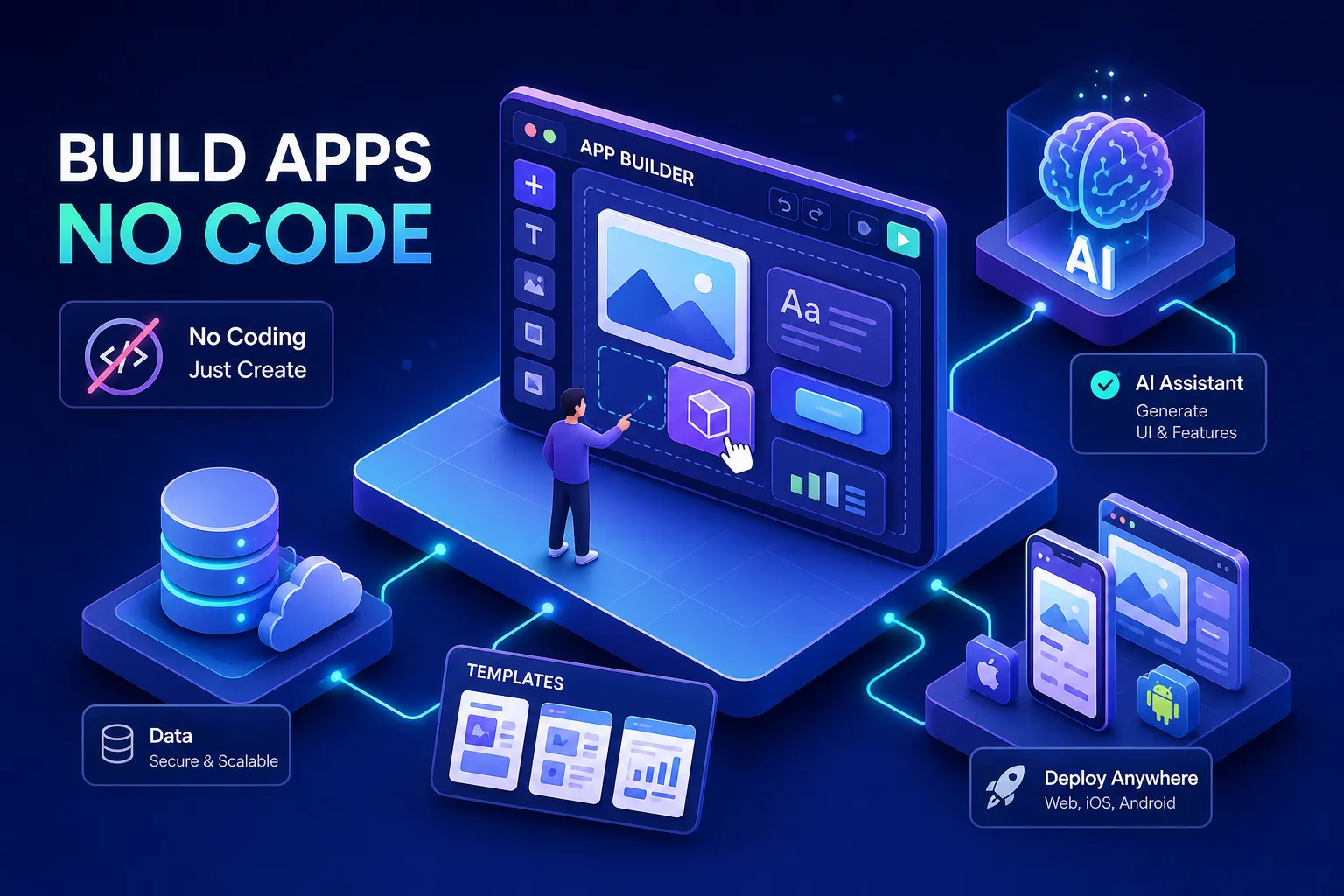

A solo founder can describe an app idea in plain English to an AI app builder and have a working version deployed the same afternoon. That’s not hype anymore; it’s just how 2026 works. But there’s a gap between “it works in preview” and “it runs in production,” and most guides skip right over it. That gap is exactly where money gets wasted and timelines slip.
This article cuts through the noise with a direct comparison of the leading AI-powered app platforms, broken down by pricing, deployment type, integration depth, and honest limitations. The term “AI app builder” now covers a wide spectrum: from drag-and-drop no-code AI app builders to fully autonomous text-to-app generators that write functional code from a single prompt. That difference determines which platform fits your budget and your actual use case.
By the end, you’ll know which platform to start with, what tradeoffs you’re accepting, and exactly how to test before you commit to a paid subscription.
How AI app builders actually work in 2026
Every AI app builder runs three core stages: prompt interpretation, code or UI generation, and deployment scaffolding. The AI reads your description, translates it into a functional interface or codebase, and then handles the infrastructure setup to get it online. What used to take a developer weeks now takes minutes for the first draft.
The key difference from older drag-and-drop tools like classic Bubble or Webflow is that newer text-to-app platforms write actual functional code from natural language. The AI handles schema generation, component wiring, and often the first pass at authentication automatically. You’re not dragging buttons around a canvas; you’re describing what the app needs to do.
That said, automation has limits. The best platforms handle database setup, API connections, and hosting automatically. What you still configure: business logic edge cases, third-party credentials, and custom domain DNS. Knowing this split prevents the frustration of expecting a fully hands-off experience and hitting a wall mid-build.
The top AI app builder platforms, compared
Fastest path from idea to working prototype
Bolt.new ($25/month, 10M tokens) and Lovable ($25/month, 250 credits) are the two strongest options for getting a full-stack web prototype live within minutes. Bolt.new’s free tier at 1M tokens per month is the most generous for initial testing, making it the obvious starting point before spending anything. Lovable generates a React plus Supabase codebase you can export, which matters if you want to own the code long-term. For broader context on the category and comparisons with other tools, see the Top 10 Best AI Software Ranked for 2026.
Both free tiers have daily caps: Bolt limits you to 300K tokens per day, and Lovable gives you 5 credits per day on the free plan. For a quick proof of concept, those limits are workable. For continuous iteration across a team, they become a real bottleneck fast.
Production-grade builders for real business software
Zite ($19/month, SOC 2 Type II certified) stands out for small business use: it supports unlimited users on all plans and handles authentication and access controls from day one. Base44 earned a reliability score of 91 out of 100 in platform benchmarking tests, with users citing fewer errors and faster output than competing tools. Softr ($59/month) trades a higher price for the easiest setup experience in this category.
These are not prototype tools. They are AI-powered app platforms built for internal portals, client dashboards, and operational software, think employee shift scheduling systems or client-facing invoice portals, that run in the real world every day. If you’re building something that employees or customers will depend on daily, this is the tier you’re shopping in. If you’re evaluating productivity and work stacks alongside app choices, you may also find the roundup of Best AI Work Tools for Every Job Function in 2026 useful when mapping responsibilities to platform capabilities.
Native mobile options worth knowing
CatDoes ($20/month, 1 free app) handles the full submission process to the Apple App Store and Google Play without any coding. The platform generates production-ready React Native Expo code, manages signing credentials automatically, and pushes builds directly to TestFlight and Google Play Console. For a step-by-step on pushing apps through store submission, see CatDoes’ guide on how to submit an app to the App Store. Manus ($20/month) takes a similar approach for production-ready iOS and Android code that meets app store submission requirements.
These are meaningfully different from PWA-based builders. Native builders produce true binaries, not browser-wrapped apps. If your app needs Bluetooth access, advanced sensors, or a full-screen native UI on iOS, a PWA won’t cut it and you need one of these two. For a primer on what progressive web apps can and can’t do compared with native apps, see the explainer on progressive web apps.
The prototype vs. production gap most platforms don’t advertise
Production-ready means four specific things: deployable code (not just a preview), built-in authentication, live hosting with SSL, and automated testing or quality checks. Platforms like Zite, v0 (which deploys React to Vercel), and Base44 meet all four. Tools like Figma Make and most free-tier plans stop at interactive prototypes. That’s a useful distinction to write down before you open an account anywhere.
Code export is not the same as deployment. Getting a zip file of your app’s code sounds useful until you realize you still need to host it, secure it, and wire up a database. Non-technical users regularly lose days to this gap. The platforms that handle end-to-end deployment are worth the premium specifically because they close that loop.
Common tier gates across most no-code AI app platforms include custom domain publishing, white-labeling, MFA, background agents, and CI/CD pipelines. These features are almost always locked to paid plans. If you’re building for production from day one, budget for at least the mid-tier plan on whichever AI app generator you pick.
What each platform handles for integrations, auth, and backend
Emergent, Bolt.new (sometimes marketed as Bolt V2 in enterprise contexts), and Base44 automatically configure Google login, Stripe payments, database schemas, and deploy to cloud infrastructure, Vercel, AWS, Cloudflare, without requiring you to touch a settings panel. Base44’s native Stripe integration is accessible directly through its AI chat in the app editor, so you can set up a checkout flow in the same conversation where you built the feature. For teams that need broader connectivity, Zapier’s ecosystem unlocks thousands of automations and integrations that many builders can leverage.
Manual work still shows up in a handful of specific places: relational database customization, complex conditional logic in backend workflows, and connecting to internal SQL databases or Salesforce CRM. Those scenarios require either a developer or a serious investment in prompt iteration. ToolJet’s AI-assisted debugging feature stands out here: it reads error logs and suggests fixes, which is genuinely useful for teams without a dedicated developer who will inevitably run into backend errors.
The security picture is mixed across the category. According to OWASP’s published research on AI-generated code risks, a significant share of AI-written code has been found to carry Top 10 vulnerabilities, including weak role enforcement and missing error states. Platforms with SOC 2 Type II certification, such as Zite, Softr, and Bubble, address this at the infrastructure level. For anything handling customer data or payments, that certification should be a non-negotiable on your checklist. For additional perspectives on the broader market and top AI app builders, this independent best AI app builders roundup is a helpful supplemental resource.
Which AI app builder fits your situation
For non-developers and small business owners building a web app or internal tool, start with Zite at $19/month for production-grade output, or Softr if ease of setup matters more than cost. For launching a native mobile app to the App Store, CatDoes is the clearest path: one prompt, one native app, no Xcode required. For a rapid web prototype ahead of a pitch or investor meeting, Bolt.new’s free tier is the right starting point before spending anything. If you want a short list of productivity-focused app recommendations for professionals evaluating which tools to pair with an AI app builder, see the Top AI Productivity Apps for Professionals in 2026.
For developers and teams planning to scale, Replit (Core at $20/month, Pro at $100/month) is the strongest choice for teams that want AI-generated code they can extend and own, with autonomous testing built in. Replit’s agent runs, tests, and fixes code autonomously for long stretches, which reduces supervision overhead on complex builds. Bubble ($32 to $69/month) remains the most flexible option for complex custom logic where visual editors in simpler tools hit their ceiling.
For enterprise environments with existing Microsoft infrastructure, Power Apps at $20 per user per month integrates directly with the stack already in place. Note that Microsoft’s pricing increased in January 2026, and licensing complexity is a common complaint, so factor in admin overhead when comparing total cost.
How to run a low-risk pilot before you commit
Structure your evaluation as a 30-day test across three phases. In week one, use free tiers on two or three platforms, Bolt.new, Zite, and Lovable cover the main use case categories, and build the same core app on each: user authentication plus a simple data view. Building the same thing on multiple platforms removes the novelty bias and forces a real comparison.
In weeks two and three, push each platform toward your actual production requirement: custom domain, third-party API connection, or mobile deployment. This is where real capability gaps appear. A platform that looks impressive in week one often hits a wall the moment you try to connect it to your existing CRM or push it to a custom domain.
In week four, evaluate on four criteria: build speed, error frequency, time spent debugging, and total cost at the plan you’d actually need for production. Before upgrading to any paid plan, watch for these red flags:
- The platform can’t export your code or your data (vendor lock-in risk).
- Production features like SSL, custom domains, and authentication require the highest pricing tier.
- AI-generated code breaks frequently with no built-in debugging tool.
- Free tier limits prevent meaningful iteration before you’ve validated the build.
The bottom line on AI app builders in 2026
The right choice depends entirely on whether you need a prototype or a production app. That single distinction determines which pricing tier you’ll actually need from day one, and ignoring it is the most expensive mistake teams make when evaluating these platforms.
Here’s the summary: Bolt.new and Lovable for speed to prototype, Zite and Base44 for production reliability, CatDoes for native mobile without code, and Replit or Bubble for developer teams that need flexibility and ownership. Use the 30-day pilot framework before committing to an annual plan on any of them. Choose the AI app builder that matches whether you need a fast prototype or production-grade reliability, that decision alone will save you weeks of backtracking and wasted spend.

