


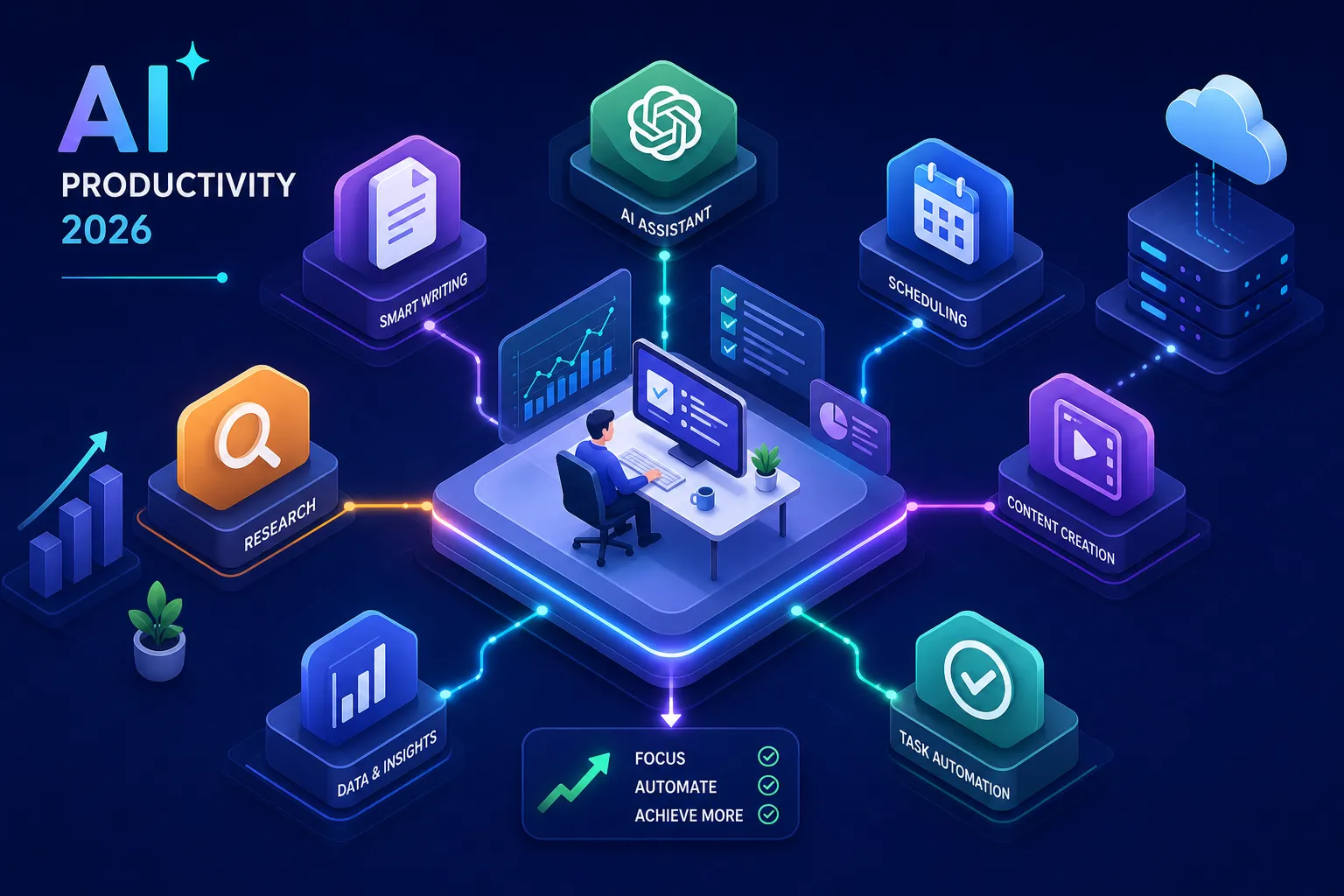

Professionals in 2026 aren’t suffering from a shortage of AI tools. They’re suffering from a shortage of clarity about which ones actually move the needle. A Nielsen Norman Group study found that generative AI delivers an average 66% increase in professional throughput, but only when the tool is matched to the actual job being done. That’s the problem this guide solves. Instead of another alphabetical list of every AI app released this year, this is a segmented breakdown of the top AI productivity apps for professionals, organized by four use cases where AI is producing measurable results: writing and communication, research and information management, project management, and workflow automation.
By the end, you’ll have two or three specific picks that fit your role, a clear read on pricing and integration requirements, and a concrete checklist to start using those picks within the week. No theoretical overviews. No hype.
What separates a genuinely useful AI app from an overhyped one
Most professionals who download an AI productivity tool and abandon it within two weeks aren’t doing anything wrong. They picked a tool optimized for someone else’s workflow. The evaluation framework matters as much as the tool itself, so before getting into specific recommendations, here are three filters that cut through the noise.
How to pick top AI productivity apps for professionals, 3 filters that matter
Time-to-value: Can you see a measurable productivity gain within seven days? If a tool requires two weeks of configuration before it saves you any time, the learning curve will kill adoption before the benefit arrives.
Stack compatibility: Does it connect to your calendar, email, or project management tool without custom API setup? A writing assistant that doesn’t connect to Google Workspace or Microsoft 365 creates a copy-paste workflow that erodes the time savings it promises.
Data handling: Does the vendor publish a clear policy on whether your work inputs are used to train their models? This isn’t a paranoid question; it’s a standard due-diligence step, especially when you’re feeding client data or internal documents into a tool.
Why ranking by use case beats ranking by popularity
AI work assistants are not interchangeable. A tool built to convert voice dictation into polished prose is irrelevant to a data analyst. A smart calendar scheduler offers nothing to a freelance copywriter who sets her own hours. Ranking by popularity produces lists dominated by whichever app ran the best marketing campaign that quarter. Ranking by use case produces picks you’ll actually keep using. The sections below apply that logic directly.
Top AI productivity apps for professionals: writing and communication
Writing is the highest-traffic use case for AI productivity software across professional roles. The NN/G research that documented a 66% average throughput increase also found a specific result for business professionals: they wrote 59% more routine documents per hour when using generative AI tools. Three apps lead this category among the best AI productivity tools in 2026. For broader creative workflows and team-focused content tools, see our roundup of the Best AI tools for content creation.
ChatGPT and Microsoft 365 Copilot for document-heavy roles
ChatGPT running on GPT-4o handles drafting, summarization, and brainstorming across virtually any context, with no integration requirements. It’s the more flexible pick for independent professionals who work across multiple tools. Microsoft 365 Copilot is purpose-built to operate inside Outlook, Word, Teams, and Excel, pulling from your organization’s actual data to generate grounded drafts and meeting summaries. For enterprise teams already on Microsoft 365, Copilot’s embedded access to real files and communications makes it the stronger fit. On pricing: the ChatGPT Business plan dropped to $20 per user per month on annual billing in April 2026, while Microsoft 365 Copilot pricing runs through Microsoft’s enterprise licensing, worth getting a direct quote if your organization has 50 or more seats.
Wisprflow for professionals who think faster than they type
Wisprflow converts voice to polished text by understanding intent and context, not just transcribing words the way standard dictation software does. Users running Wisprflow report dictation speeds of 179, 184 words per minute, versus the 40, 90 WPM ceiling of typing. One founder documented composing emails in 15 minutes by speaking versus two hours by typing. The core differentiator from built-in OS dictation is that Wisprflow applies context-aware editing to produce text that reads like you drafted it carefully, not like you spoke it casually. It runs across macOS, Windows, and iPhone, making it a practical option for consultants, managers, and anyone who spends serious time on email and meeting notes.
Notion AI for teams that live inside documentation
Notion AI generates meeting notes, summaries, action items, and translated content directly inside the Notion workspace. It’s not a standalone assistant, which is both its limitation and its strength: it reduces the friction of turning raw conversations and scattered notes into organized, searchable documentation without requiring a context switch. The Q&A feature lets users query the entire workspace in plain language, so a project manager can ask “What did we decide about the API rollout?” and get a sourced answer pulled from across all connected pages.
Top AI productivity apps for professionals: research and information management
Research-heavy roles face a different problem than writers, too much information, not too little. Anthropic’s analysis of 100,000 real Claude conversations estimated an 80% reduction in task completion time for information-intensive work, with some tasks that previously took 4.5 hours finishing in under 15 minutes. (Note: this figure comes from Anthropic’s own reporting on Claude usage and should be treated as directional rather than independently verified.) The three AI productivity apps for work described below are built specifically for that problem.
Scouts for professionals who need to track topics daily
Scouts scans the internet for user-defined topics and delivers a consolidated morning briefing directly to your inbox. It replaces the scattered habit of checking multiple news tabs, competitor sites, and industry newsletters one at a time. For strategists, market analysts, and researchers who need consistent coverage of fast-moving topics, Scouts cuts the decision fatigue of curating a daily reading list from scratch, and does it without requiring any manual curation once your topics are configured.
Manus.im for turning complex research requests into executed deliverables
Manus.im is an autonomous AI assistant that accepts multi-step research instructions and executes them without supervision. The distinction from standard AI chat tools is significant: rather than returning a text response, Manus plans the task, coordinates subtasks, pulls data, and produces a structured output. You describe an outcome, say, “Build a competitive analysis on these five SaaS companies”, and Manus figures out the path and finishes the work. For non-technical professionals who previously spent hours assembling research manually, this execution model meaningfully changes what AI can take off your plate.
Saner.AI for professionals managing notes, tasks, and email in one place
Saner.AI positions itself as an ADHD-friendly personal assistant, but its real value is centralization. Users interact with an AI to manage to-dos, notes, emails, and calendar entries from a single interface, on web and mobile. The strongest use case is for solo professionals and small-team operators who are currently context-switching between five or six tools just to get a complete picture of their day. Saner.AI consolidates that scattered context and lets you query it conversationally. For a broader look at productivity-focused app approaches, see Saner.AI’s overview of best productivity apps.
AI-powered workflow apps for project management and automation
Team leads and operations managers spend a disproportionate amount of time on coordination work: assigning tasks, managing deadlines, chasing updates, and bridging disconnected tools. The AI task automation apps in this category attack that coordination overhead directly.
Reclaim.ai and ClickUp Brain for calendar and task intelligence
Reclaim.ai auto-schedules tasks and recurring routines into your Google or Outlook calendar based on priority, deadlines, and available time. It supports both Google Workspace and Microsoft Outlook natively, which means it fits into most existing team environments without custom configuration. The manual overhead of time-blocking disappears: Reclaim finds the gaps and fills them intelligently. ClickUp Brain operates inside the ClickUp workspace to answer natural-language questions about project status, summarize progress, and run Autopilot Agents that handle recurring operations without manual triggers. Both tools offer team-level plans with shared context and admin controls, a feature set that becomes relevant the moment two or more people need visibility into the same workflow. You can explore Google Workspace integrations that many calendar tools rely on in the Google Workspace integrations directory (Google Workspace integrations).
Zapier for connecting AI tools without writing a single line of code
Zapier now functions as an AI orchestration layer, not just a connector between apps. Its Copilot feature builds automation workflows from natural language instructions, and its built-in ChatGPT access lets AI be embedded directly into existing automations. With support for 7,000-plus app connections, it’s the most practical way for non-technical professionals to chain AI-powered workflow apps together into a coherent system. The key distinction from a tool like Manus.im: Zapier handles the execution of tasks you’ve already defined, while Manus handles the planning of tasks you haven’t defined yet. Zapier becomes overkill only when your workflow is simple enough that a single app already handles the full job.
Security, pricing, and a short checklist to get started this week
Before committing to any tool, three questions need concrete answers: Does the vendor handle your data responsibly? Does the pricing work at the scale you need? Can you test it without disrupting your existing workflows?
What to check before onboarding any AI productivity tool
The non-negotiables for professional use are SOC 2 Type II certification, GDPR and CCPA compliance, and a clear vendor policy on whether your work inputs are used for model training. Enterprise-grade tools like Microsoft 365 Copilot and ChatGPT Enterprise publish detailed data governance documentation. Zapier holds SOC 2 Type II certification with annual audits and maintains full GDPR compliance documented in its Trust Center. Newer or smaller apps may have ambiguous terms on data ownership. Before onboarding anything that touches client data, proprietary documents, or internal communications, run this check:
- Is the vendor SOC 2 Type II certified?
- Do they explicitly commit to not training on your inputs?
- Who owns the outputs you generate?
Pricing reality: what free tiers actually give you
Free tiers across AI productivity software are designed to demonstrate value, not run a real professional workflow. They typically cap usage volume, exclude team features like shared history and admin controls, and limit integrations. The move from free to paid becomes necessary the moment two or more people need shared context, consistent access, or organizational data connectivity. For the tools covered here, plan for paid tiers from day one if you’re evaluating for team adoption rather than personal use.
A 7-day test protocol that won’t disrupt your team
The most reliable adoption path is stress-testing one tool against a single workflow before expanding. Days 1, 2: install and configure one tool for one specific, recurring task. Days 3, 5: use it exclusively for that task and log time saved. Days 6, 7: evaluate whether the integration fit is strong enough to expand or whether the tool gets cut. Installing three tools simultaneously and using none of them consistently is the most common way professionals waste evaluation time and conclude that AI tools “don’t work.”
The bottom line on AI productivity tools in 2026
Four use cases, four leading picks. For writing-heavy roles: ChatGPT or Microsoft 365 Copilot. For research and information overload: Scouts or Manus.im. For project management and calendar intelligence: Reclaim.ai or ClickUp Brain. For workflow automation across your entire stack: Zapier. The goal isn’t to use all of them, it’s to identify the two or three that remove real friction from your specific workflow and commit to a proper test before making a final call.
The landscape of top AI productivity apps for professionals shifts fast. New platforms release, pricing changes, and capability gaps between tools close faster than most publications can track. For ongoing independent coverage of AI tools, productivity software, and platform updates, the technology section at mediaindonesia.com/teknologi publishes analysis at the pace the industry actually moves, without a subscription gate blocking access to the core content. If you want related deep dives, read our post on The Best AI YouTube Video Summarizers in 2025: Unlock Efficiency and Insights and our analysis of Best Scalable Cloud Hosting Solutions in 2026: A Deep Dive into ROI and AI Readiness.
Pick the top AI productivity apps for professionals that match your role from the use-case segments above, run the 7-day protocol, and make the adoption decision with real data from your own workflow, not someone else’s benchmark.

